


Build a Bigger LinkedIn Presence.

AI LinkedIn Idea Engine
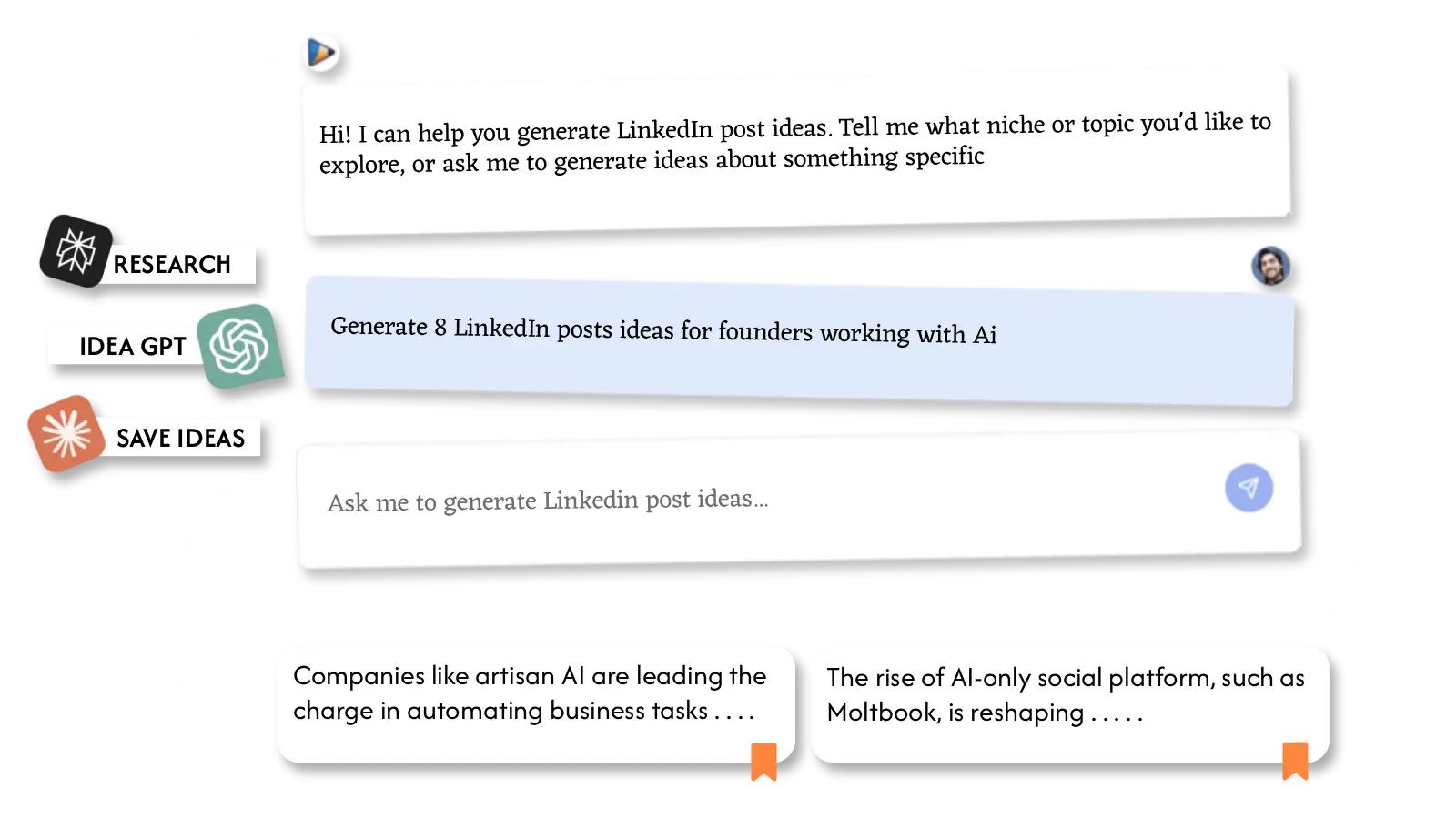
Stop guessing what to post. Discover trending, high-engagement ideas tailored to your niche in seconds.
- Deep research across industry trends & conversations
- High-engagement discussion starters
- Unique angles & contrarian perspectives
- Save ideas to your personal content vault
Write From Any Source
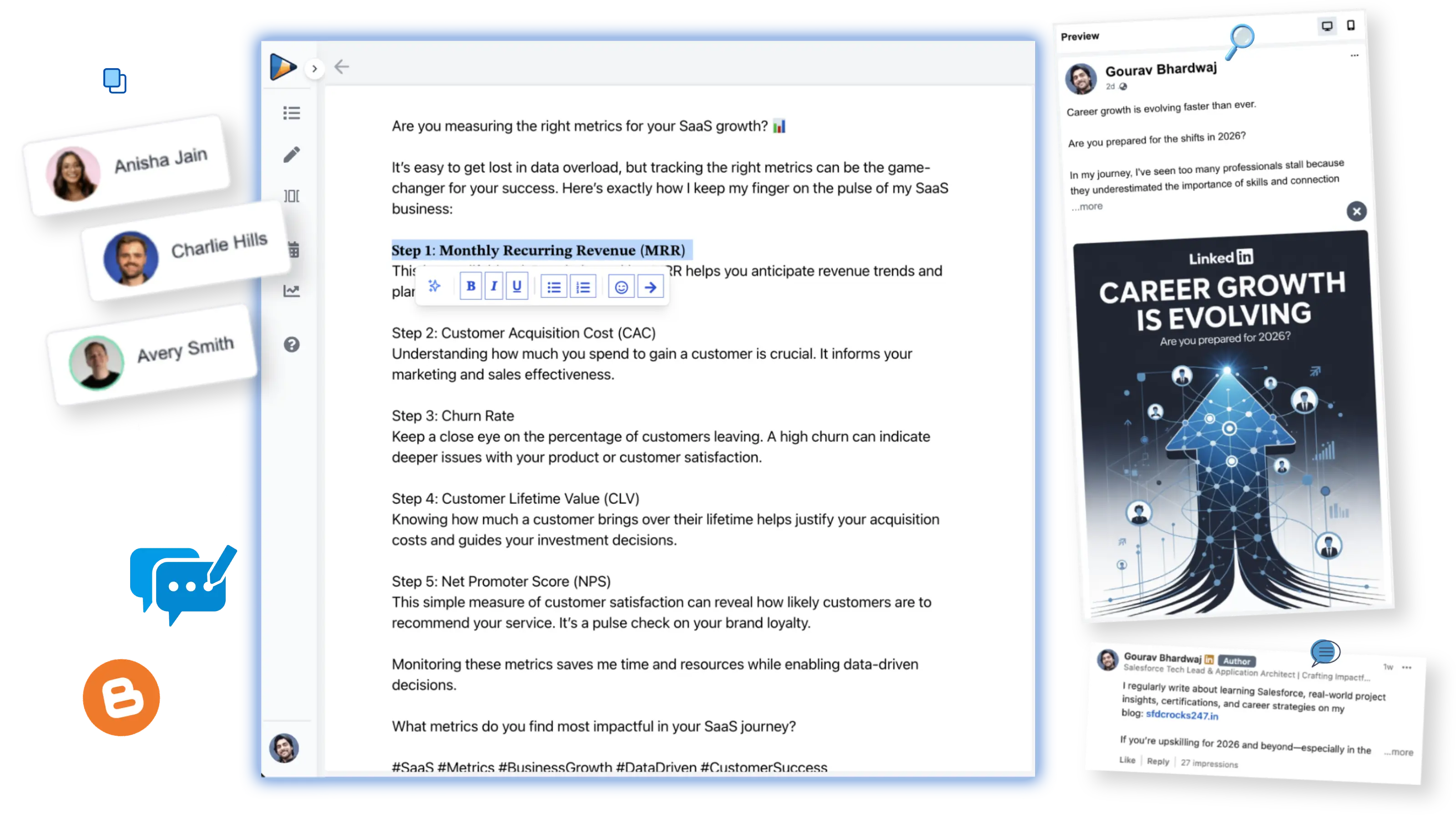
Transform blogs, URLs, prompts, or saved ideas into polished, LinkedIn-ready posts that are built for engagement.
- Convert URLs & long-form content instantly
- Match top influencer writing styles
- Preview exactly how your post will look
- Add images & first comment for better reach
Smart Scheduling & Planning
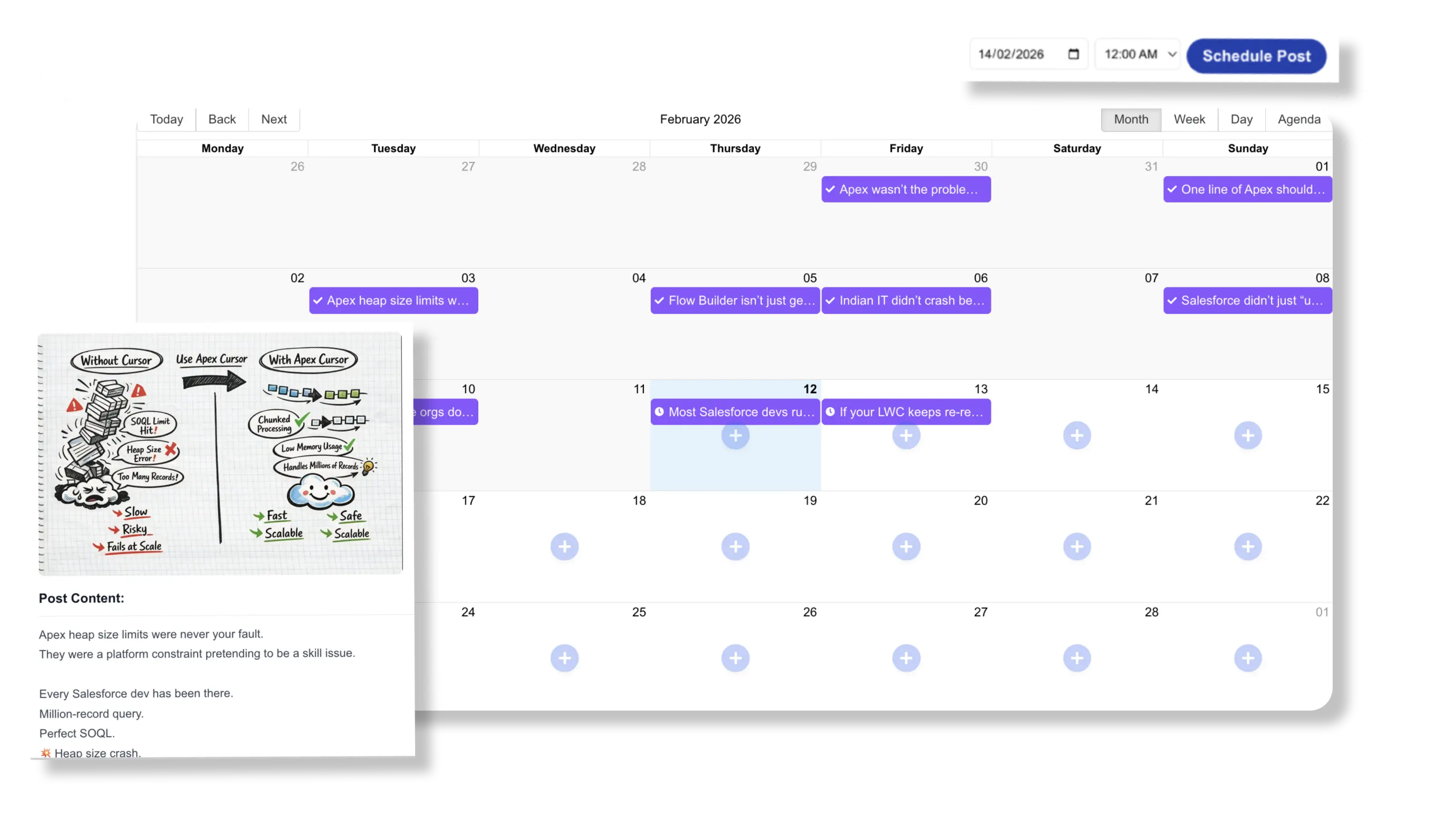
Build consistency without burnout. Plan, schedule, and automate your LinkedIn content in one streamlined workflow.
- Visual calendar to map your strategy
- Schedule posts by date & optimal time
- Auto-publish with image & first comment
- Plan 30 days of content in one session
Growth Analytics
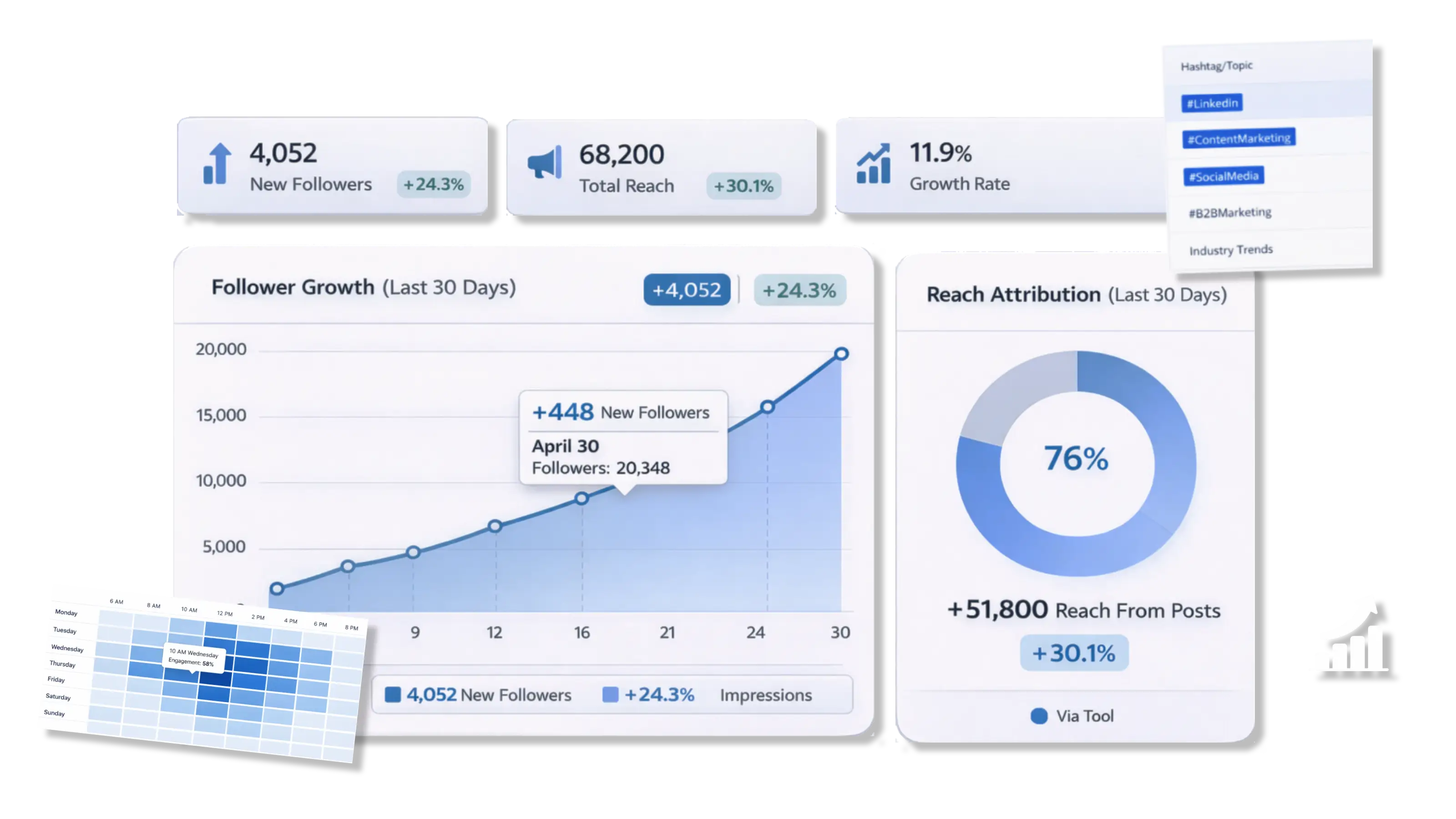
Understand what drives reach, engagement, and follower growth — and refine your strategy using real performance data.
- Track impressions & engagement clearly
- Identify posts driving follower growth
- Analyze hashtag performance
- Optimize content based on real insights
Frequently Asked Questions
What is the best LinkedIn post generator?
PostBold offers an AI-powered post generator tailored to your job role and experience, helping you stay consistent and relevant on LinkedIn.
How can I format bold or italic text on LinkedIn?
Use PostBold’s LinkedIn text formatter to easily style your content in bold, italics, and underline.
Can I preview a LinkedIn post before publishing?
Yes, our LinkedIn post preview tool shows exactly how your post will look on LinkedIn — on both mobile and desktop.
How do I create a carousel post for LinkedIn?
PostBold’s AI carousel creator helps you generate professional slide decks with branding, perfect for LinkedIn carousels.
Is there a way to schedule LinkedIn posts in advance?
Yes! With PostBold, you can schedule posts to go live later, directly from our mobile or desktop interface.
Can I download videos from LinkedIn?
Our free LinkedIn video downloader allows you to save videos for offline use or repurposing (for educational/personal use).
What should I post on LinkedIn to stay relevant?
Use our AI post generator to discover content ideas like job wins, lessons learned, or industry insights tailored to your career stage.
What’s the best LinkedIn headline generator for job seekers?
PostBold’s headline generator creates attention-grabbing LinkedIn profile headlines customized to your goals.
Linkedin Images · Jun 27, 2026
LinkedIn Image Size & Types: What Works Best in 2026
If you’ve ever posted something on LinkedIn and watched it get zero traction — despite putting in real effort — there’s a good chance the image had something to do with it. Wrong dimensions get cropped awkwardly. Poor image choices get scrolled past in seconds. And LinkedIn’s algorithm quietly rewards posts that hold attention, which […]
Linkedin Content Creation · Jan 8, 2025
What to post on linkedin to stay relevant: Content Ideas, Tips, and Examples
LinkedIn is one of the most powerful platforms for building professional connections, showcasing expertise, and growing your personal or business brand. But the big question remains: What to post on LinkedIn to stay relevant? In this article, we’ll explore: We’ll also show you how tools like PostBold can streamline your content creation process and help you […]
Uncategorized · Dec 30, 2024
10x Engagements with this Linkedin text font editor
LinkedIn has become a critical platform for professionals, businesses, and creators to share their stories and insights. However, with so many posts flooding the platform daily, standing out can be a challenge. One effective way to grab attention is through Linkedin text font editor. In this article, we’ll explore why formatting is essential, the best […]